البدء
ابدأ مع قُبة خطوة بخطوة، من إنشاء الحساب وتجربة ساحة التجارب، إلى إنشاء مفتاح API وربط تطبيقك بحزمة SDK.
الخطوات الأولى
إنشاء حساب في قُبة
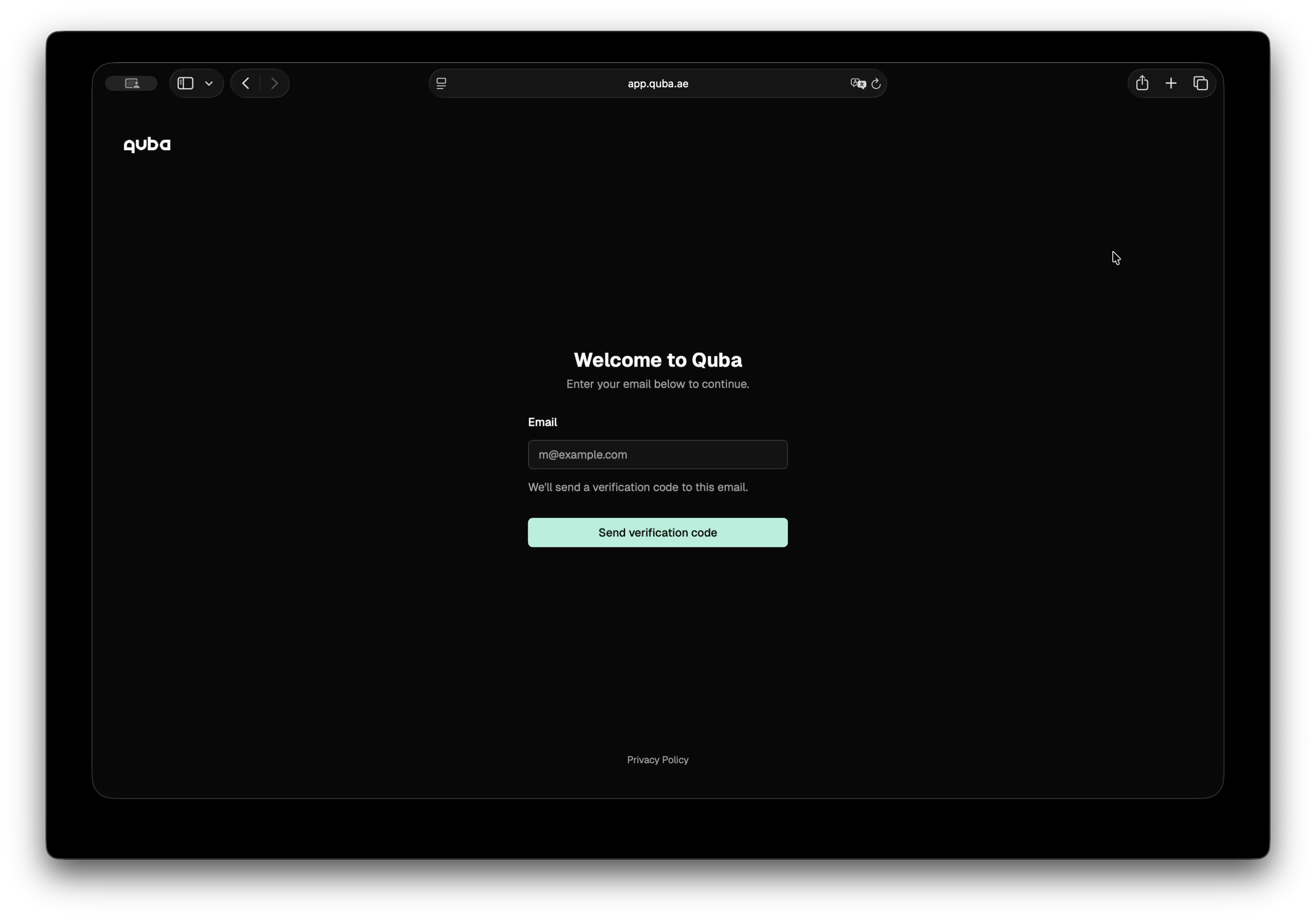
أدخل بريدك الإلكتروني في صفحة التسجيل، وسيصلك رمز تحقق. أدخل الرمز لتأكيد بريدك، وستنتقل مباشرة إلى حسابك.
تجربة الفحص وإخفاء الهوية
بعد الدخول تصل مباشرة إلى ساحة التجارب. اكتب فيها نصك، ثم اختر فحصه أو تطبيق إخفاء الهوية عليه، وحدّد الكيانات والقواعد التي تناسبك.
إنشاء مفتاح API
- انتقل إلى مفاتيح API واضغط على إنشاء مفتاح API
- أدخل اسماً للمفتاح وحدّد تاريخ انتهاء صلاحيته
- انسخ المفتاح
أصبحت الآن جاهزاً لربط تطبيقك بقُبة.
تثبيت حزمة SDK
npm install @quba/sensitive-data-protection --savepip install quba-sensitive-data-protection
# or with uv:
uv add quba-sensitive-data-protectionيعرض المثال التالي السيناريو كاملاً: فحص نص لكشف الكيانات الحساسة فيه، ثم إخفاء الهوية فيه بقاعدة مستقلة لكل نوع من الكيانات.
النص المُدخل
const text = `
  Patient John Smith (SSN: 123-45-6789) was admitted to Dubai General Hospital
  on 2024-01-15. Contact: john.smith@email.com, +971-50-123-4567.
  Assigned physician: Dr. Sarah Al Mansoori (ID: EMP-00421).
`
text = """
Patient John Smith (SSN: 123-45-6789) was admitted to Dubai General Hospital
on 2024-01-15. Contact: john.smith@email.com, +971-50-123-4567.
Assigned physician: Dr. Sarah Al Mansoori (ID: EMP-00421).
"""الفحص
افحص النص لتعرف ما يحتويه من كيانات حساسة.
import {
  Configuration,
  SensitiveDataProtectionApi,
} from "@quba/sensitive-data-protection"

// Pass your API key on every request via the x-api-key header.
const api = new SensitiveDataProtectionApi(
  new Configuration({ headers: { "x-api-key": "quba_..." } }),
)

const scan = await api.scanText({
  text, // text to scan
  language: "en",
  entities: ["person", "email", "phone_number", "address", "government_id"],
  confidence_threshold: 0.5,
})

console.log(scan.results)
// [
//   { start: 11, end: 21, score: 0.95, entity_type: "person"   },  // John Smith
//   { start: 24, end: 35, score: 0.99, entity_type: "government_id" },  // 123-45-6789
//   { start: 53, end: 74, score: 0.91, entity_type: "address" },  // Dubai General Hospital
//   { start: 93, end: 117, score: 0.98, entity_type: "email"   },  // john.smith@email.com
//   { start: 119, end: 134, score: 0.97, entity_type: "phone_number" },  // +971-50-123-4567
//   { start: 158, end: 178, score: 0.93, entity_type: "person" },  // Dr. Sarah Al Mansoori
//   { start: 184, end: 193, score: 0.99, entity_type: "government_id" },  // EMP-00421
// ]
from quba_sdp import Client, models
from quba_sdp.api import scan_text
# base_url defaults to the production API; pass your key via headers.
client = Client(headers={"x-api-key": "quba_..."})
scan = scan_text.sync(
client=client,
body=models.ScanRequestBody(
text=text, # text to scan
language="en",
entities=["person", "email", "phone_number", "address", "government_id"],
confidence_threshold=0.5,
),
)
print(scan.results)
# [
# ScanResult(start=11, end=21, score=0.95, entity_type="person"), # John Smith
# ScanResult(start=24, end=35, score=0.99, entity_type="government_id"), # 123-45-6789
# ScanResult(start=53, end=74, score=0.91, entity_type="address"), # Dubai General Hospital
# ScanResult(start=93, end=117, score=0.98, entity_type="email"), # john.smith@email.com
# ScanResult(start=119, end=134, score=0.97, entity_type="phone_number"), # +971-50-123-4567
# ScanResult(start=158, end=178, score=0.93, entity_type="person"), # Dr. Sarah Al Mansoori
# ScanResult(start=184, end=193, score=0.99, entity_type="government_id"), # EMP-00421
# ]إخفاء الهوية
خصّص قاعدة لكل نوع من الكيانات، فتعالج كل حقل بالطريقة التي تناسب الغرض الذي ستستخدم فيه النص الناتج.
const response = await api.anonymizeText({
  text, // text to scan and anonymize
  rules: [
    {
      type: "replace",
      entities: [{ type: "model", value: "person" }],
      replacement: "[PERSON]",
    },
    {
      type: "mask",
      entities: [{ type: "regex", value: "\\d{3}-\\d{2}-\\d{4}" }],
      masking_char: "*",
      chars_to_mask: 7,
      from_end: true,
    },
    {
      type: "redact",
      entities: [{ type: "model", value: "address" }],
    },
    {
      type: "sha256",
      entities: [{ type: "model", value: "email" }],
    },
    {
      type: "mask",
      entities: [{ type: "model", value: "phone_number" }],
      chars_to_mask: 8,
      from_end: true,
    },
    {
      type: "replace",
      entities: [{ type: "regex", value: "EMP-\\d+" }],
      replacement: "[EMP-ID]",
    },
  ],
})
from quba_sdp.api import anonymize_text
response = anonymize_text.sync(
client=client,
body=models.AnonymizeRequestBody(
text=text, # text to scan and anonymize
rules=[
models.ReplaceRule(
entities=[models.ModelEntity(value="person")],
replacement="[PERSON]",
),
models.MaskRule(
entities=[models.RegexEntity(value=r"\d{3}-\d{2}-\d{4}")],
masking_char="*",
chars_to_mask=7,
from_end=True,
),
models.RedactRule(entities=[models.ModelEntity(value="address")]),
models.SHA256Rule(entities=[models.ModelEntity(value="email")]),
models.MaskRule(
entities=[models.ModelEntity(value="phone_number")],
chars_to_mask=8,
from_end=True,
),
models.ReplaceRule(
entities=[models.RegexEntity(value=r"EMP-\d+")],
replacement="[EMP-ID]",
),
],
),
)يحمل الحقل response.text النص بعد إخفاء الهوية، ويحمل الحقل response.results سجل التدقيق كاملاً: سجل لكل تحويل، يبيّن موضعه في النص الأصلي وفي النص الناتج.
console.log(response.text)
// Patient [PERSON] (SSN: ***-**-6789) was admitted to [REDACTED]
// on 2024-01-15. Contact: a1b2c3d4e5f6..., +971-50-***-****
// Assigned physician: [PERSON] (ID: [EMP-ID]).

console.log(response.results)
// [
//   { type: "model", rule: "replace", value: "PERSON",
//     input: { start: 11, end: 21, value: "John Smith" },
//     output: { start: 11, end: 19, value: "[PERSON]" } },
//
//   { type: "regex", rule: "mask", value: "\\d{3}-\\d{2}-\\d{4}",
//     input: { start: 24, end: 35, value: "123-45-6789" },
//     output: { start: 22, end: 33, value: "***-**-6789" } },
//   ...
// ]print(response.text)
# Patient [PERSON] (SSN: ***-**-6789) was admitted to [REDACTED]
# on 2024-01-15. Contact: a1b2c3d4e5f6..., +971-50-***-****
# Assigned physician: [PERSON] (ID: [EMP-ID]).
print(response.results)
# [
# ModelResult(type="model", rule="replace", value="PERSON",
# input=TextRange(start=11, end=21, value="John Smith"),
# output=TextRange(start=11, end=19, value="[PERSON]")),
#
# RegexResult(type="regex", rule="mask", value="\\d{3}-\\d{2}-\\d{4}",
# input=TextRange(start=24, end=35, value="123-45-6789"),
# output=TextRange(start=22, end=33, value="***-**-6789")),
# ...
# ]استخدم مواضع input لتحديد كل مقطع في النص الأصلي، ومواضع output لإبراز المقاطع المحمية في النص الناتج.
معالجة الأخطاء
try {
  const response = await api.scanText({ text: "" })
} catch (error) {
  if (error.status === 422) {
    console.error("Validation error:", error.detail)
  }
}
from quba_sdp.models import HTTPValidationError
# `sync` returns the parsed body, a documented error model, or None.
result = scan_text.sync(client=client, body=models.ScanRequestBody(text=""))
if isinstance(result, HTTPValidationError):
print("Validation error:", result.detail)
# Or use `sync_detailed` when you need the raw status code:
resp = scan_text.sync_detailed(client=client, body=models.ScanRequestBody(text=""))
print(resp.status_code) # 422مقدمة
تتزايد المخاوف من تسرّب البيانات الحساسة، لا سيما في عصر الوكلاء الأذكياء، حيث تتشعب مسارات البيانات ويصعب التحكم فيها. وحتى مع الاستضافة المحلية، تنقل البنى التقنية الحديثة البيانات باستمرار بين الأنظمة والمورّدين. ولا يقتصر الأمر لدى المؤسسات على تحدي الخصوصية والامتثال، بل صار عائقاً أمام الابتكار يُبقي بيانات قيّمة دون استثمار.
ساحة التجارب
جرّب الفحص وإخفاء الهوية في قُبة على أمثلة واقعية، وشاهد كيف يتحوّل النص الحساس إلى نص محمي.